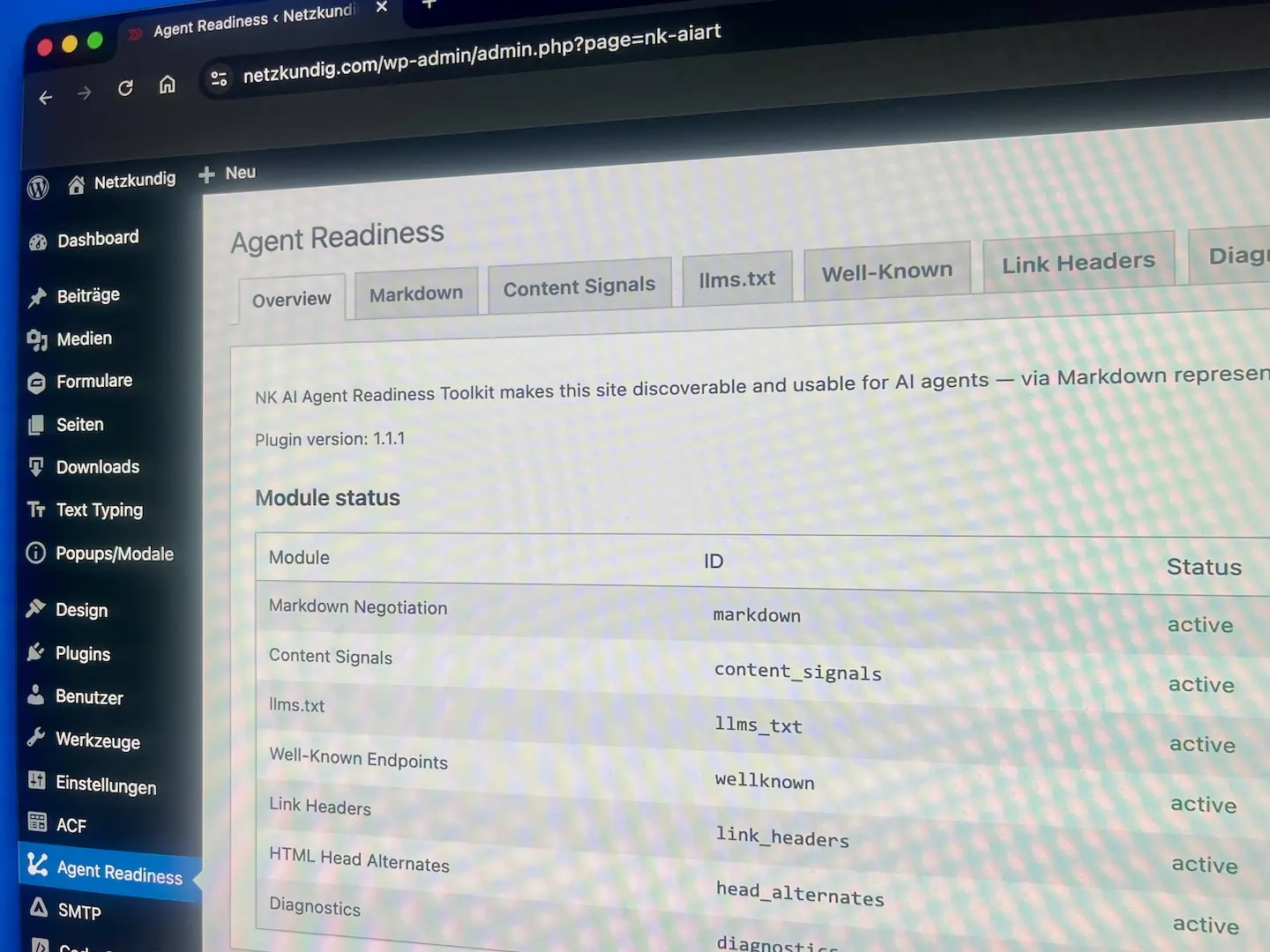
In my previous post I described why WordPress sites should become agent-ready and which building blocks are needed for this. Since mid-April, the corresponding plugin has been running in pilot mode on selected sites, including netzkundig.com itself. Today the next step follows: the toolkit is now also available as an open-source variant on GitHub.
This means there are now two ways to use the plugin. A commercial distribution with automatic updates via the Netzkundig servers, designed for production sites with minimal maintenance overhead. And an open-source variant for cloning, forking, auditing or self-hosting. The code is identical in both cases.
The repository is available at github.com/netzkundig/wp-ai-agent-readiness. Anyone who wants to review, inspect or adapt the code will find the complete source base and accompanying documentation there, including the filter catalog in DOCS/FILTERS.md. Issues and pull requests are welcome. Accepted contributions flow back into the upstream codebase and will be shipped with the next official release, so they also reach the commercial variant.
The difference between the two distributions
In terms of content, the code is identical in both distributions. The difference lies in the delivery method and the update mechanism.
The commercial distribution runs via my servers and delivers automatic updates directly to my clients’ WordPress installations. Anyone who wants to operate a production site with low maintenance overhead is in the right place here. For this variant, there is support, a vetted release pipeline and the assurance that new standards will be incorporated promptly.
The open-source variant on GitHub comes without auto-updates enabled. Anyone wanting to use it clones the repository, downloads a release ZIP or integrates their own update server. For this purpose, the plugin contains the NK_AIART_UPDATE_URI constant, which can point to a custom JSON manifest URL in wp-config.php. This allows updates to be adapted to the respective infrastructure, whether via GitHub Releases, a private mirror or a pipeline in an internal network.
What the plugin covers
The modules are already familiar from the previous post. Here is a compact summary for readers who are jumping straight into this article.
The Markdown Negotiation module answers requests via three trigger paths, namely the Accept header, the .md URL variant and a query parameter. It delivers a tidy Markdown body with YAML frontmatter, takes care of conditional GET requests and uses a transient cache so that each page only needs to be prepared once per change cycle.
Content Signals sets a Content-Signal header on every response and adds a consistent policy to robots.txt. A registry with 21 known bots and a custom section allows fine-grained disallow paths per bot, instead of offering only a blanket yes-or-no decision.
The llms.txt generator creates the /llms.txt file and, on request, a more detailed /llms-full.txt in three modes: automatic, manual or by post type. Existing Yoast SEO settings are not overwritten in the process.
The well-known endpoints include /.well-known/api-catalog, /.well-known/agent-skills/, /.well-known/mcp.json and /.well-known/ai.txt. Each endpoint can be activated individually and returns a clean 404 status when deactivated, instead of producing an empty or misleading response.
Link headers according to RFC 8288 are routed via path patterns. Three preset bundles for “Standard agent discovery”, “API site” and “Documentation” cover the most common cases. In parallel, the plugin inserts a <link rel="alternate" type="text/markdown"> into the HTML head of every singular post, which is checked by isitagentready.com as well as evaluated directly by many agents.
The Diagnostics module performs loopback self-tests and shows the result as a weighted score together with probe cards for each feature. This allows the configuration to be checked without an external tool, which is particularly helpful in staging environments behind a firewall.
The per-block opt-out remains the unique selling point compared to most other solutions. In the Gutenberg editor, a “Disable in Markdown” toggle appears in every block. Flagged blocks, along with their inner blocks, disappear exclusively from the Markdown response but remain visible to human visitors.
Above all this sits the filter-first principle. Every output runs through apply_filters(), which allows themes and companion plugins to adjust behavior without intervening in the plugin core. The complete filter catalog is documented in DOCS/FILTERS.md in the repository (View the filter documentation).
When which variant makes sense
For many enterprise environments, the commercial variant is the more pragmatic choice. It comes with auto-updates, a vetted release pipeline and a clear support contact. Anyone deploying the plugin on a client site who needs to document clearly in contractual terms who is responsible for maintenance, security patches and adaptation to new standards should choose this route.
The open-source variant is aimed primarily at developers who want to read, review and, if necessary, adapt the code in their own setups, or at operators of WordPress multisites or specialized hosting setups who run their own update logic and want to integrate the plugin lifecycle into an existing pipeline.
In all other cases, both routes can also be combined. Anyone using the commercial variant can consult the source code on GitHub for code review without changing license or configuration. The codebase is the same.
What’s next
The codebase has been cleanly documented for release, with contributions from the pilot phase. The roadmap now includes extensions around standards that are currently emerging or maturing in the agent-readiness space. Web Bot Auth for authenticating legitimate agents is one of them, along with extended MCP server cards with further capability profiles and expanded skill definitions for applications that go beyond pure reading.
Testing your own site
If you don’t yet know where your own site stands in terms of agent readiness, you can check this in two minutes at isitagentready.com. The result provides an initial assessment. With the plugin, a value between eighty and ninety percent can be achieved in most cases, depending on theme, hosting and individual configuration.
For pilot installations, individual audits and setup in more complex environments, I am available as usual. The contact link is further down. Anyone who prefers to get started on their own will find everything needed on GitHub to set up an initial configuration within an hour and verify the result in a traceable way.